
Free Ultimate Travel Packing List
Keep your packing and trip preparation organized with our customizable travel packing system for Excel and Google Sheets.
Start with pre-filled checklists, add your own items, track your progress, and print the pages you need. From a weekend getaway to a family vacation, you can adapt your lists and reuse them for your next trip.
Get Your Free Packing Lists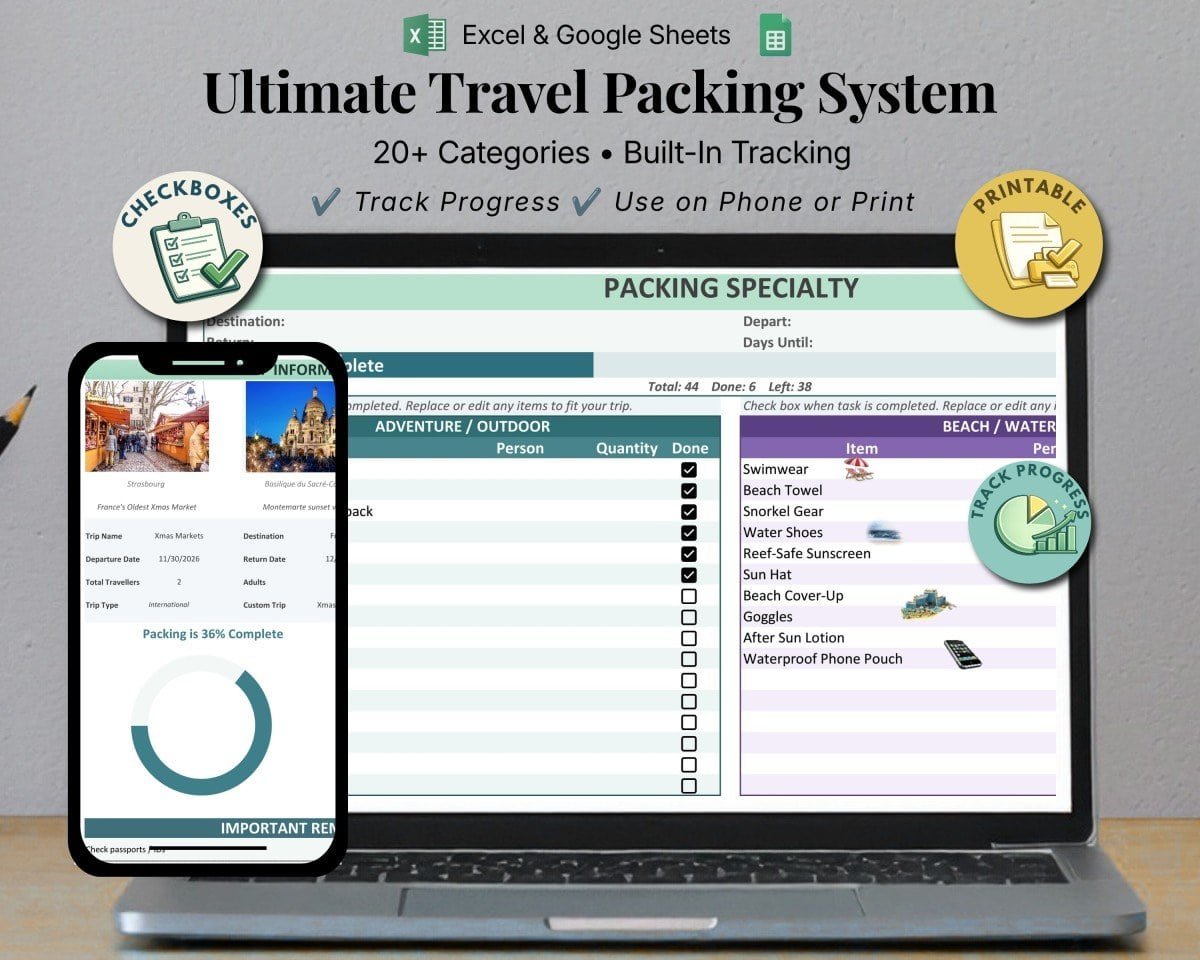
What’s Included
One reusable system for packing, checklists, and trip preparation.
- Quick Setup Enter your trip details and customize the lists for your destination.
- Packing Dashboard View packing and task progress at a glance as you check items off.
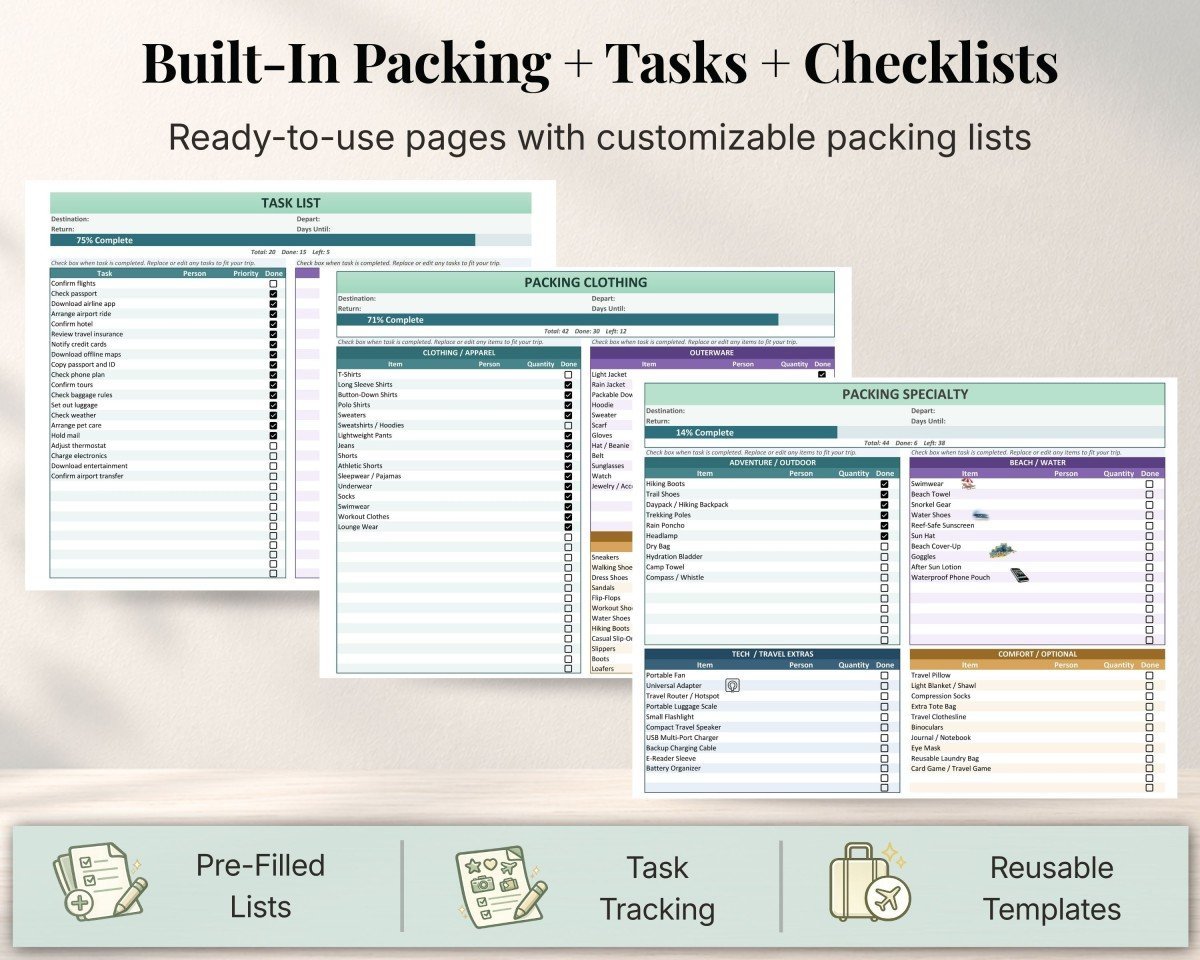
- Pre-Filled Packing Lists Start with clothing, toiletries, travel essentials, tech, and more.
- Task & Prep Tracker Organize the things you need to do before departure.
- Specialty Packing Sections Tailor your packing for beach trips, cruises, road trips, outdoor activities, and other travel plans.
- Kids & Custom Lists Organize family essentials and create lists for your own needs.
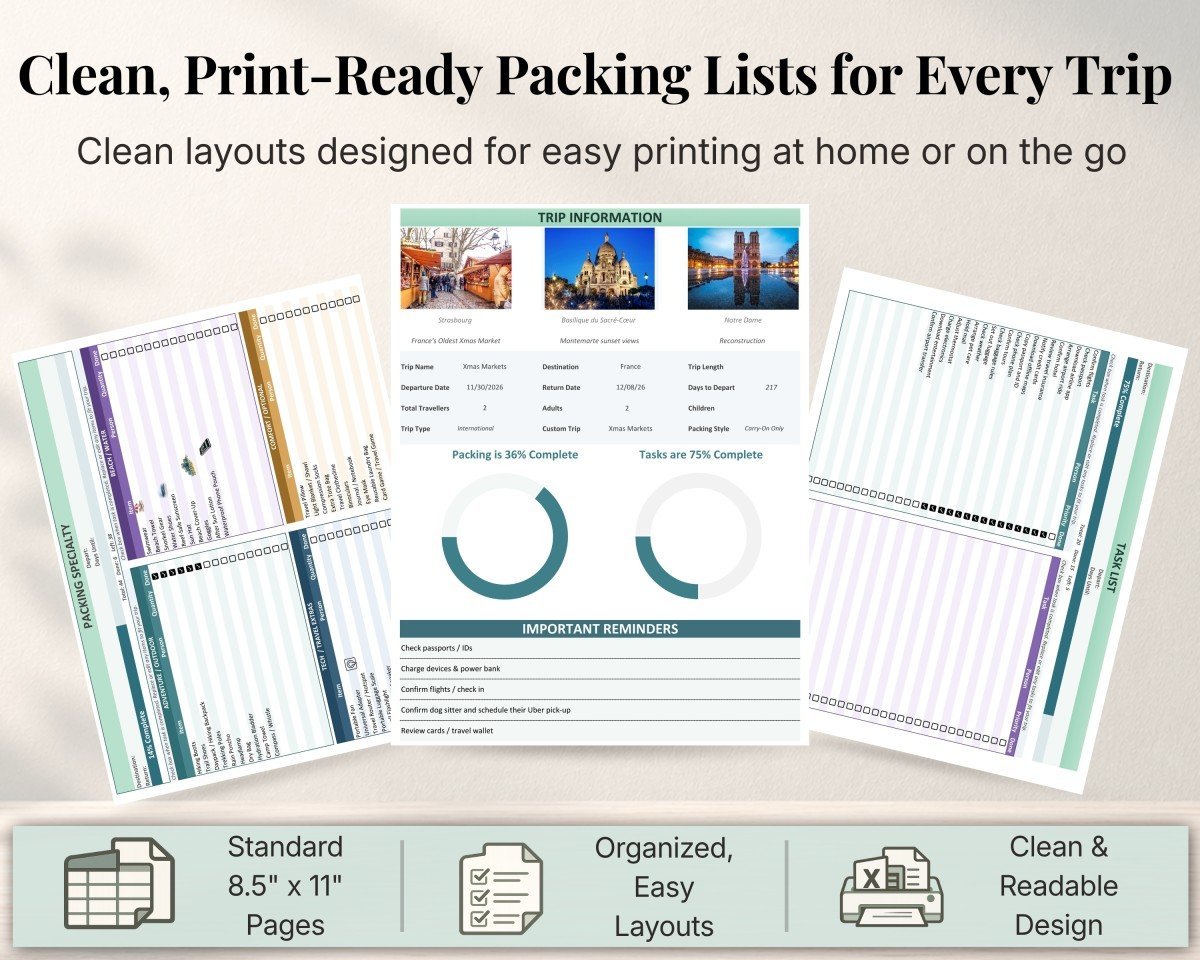
- Print-Friendly Layouts Use your lists digitally or print them on standard 8.5 × 11-inch paper.
- Quick Links Jump between packing categories, your task list, and the trip dashboard.
Take a Look Inside
See how the packing lists, preparation tasks, and dashboard work together to keep your trip organized.
Get Your Free Travel Packing Lists
Choose the format you prefer. Both options let you customize your lists, track progress, and print your pages. No purchase or email signup is required.
Use Google Sheets
Make your own editable copy and save it to Google Drive. A free Google account is required.
Make a Google Sheets CopyOpens in a new tab. Select “Make a copy” to get started.
Use Microsoft Excel
Download the workbook to your device and open it in Microsoft Excel to customize your packing lists.
Download Excel VersionExcel workbook (.xlsx). Microsoft Excel is required for this version.
Open the How-to-Use Guide (PDF) — setup, customization, progress tracking, navigation, and printing instructions. Opens in a new tab.
Free for personal use. Please share this resource page with others so they can get their own copy.
How to Get Started
- Choose your format. Download the Excel workbook or make a Google Sheets copy.
- Enter your trip details. Start on the Trip Information sheet with your destination and travel dates.
- Customize your lists. Review the suggested items, edit the input cells, and add your trip preparation tasks.
- Check items off. Track your progress digitally or print the pages you want to use while packing.
- Save a copy for your next trip. Keep a clean template so you can start fresh each time.
Frequently Asked Questions
Is this travel packing list really free?
Yes. You can download the Excel workbook, make a Google Sheets copy, and access the PDF user guide at no charge. No email signup is required.
Do I need both Excel and Google Sheets?
No. Choose whichever format you prefer. The Excel version opens in Microsoft Excel, while the Google Sheets version requires a free Google account.
Can I customize the packing lists?
Yes. Edit the designated input cells to tailor your lists to your destination, activities, and personal needs. Keep the formulas and sheet structure intact so progress tracking and print layouts continue to work as intended.
Can I print the packing lists?
Yes. The workbook includes layouts designed for standard 8.5 × 11-inch paper. Customize your lists first, then check the print preview before printing.
Can I use it for family travel?
Yes. The system includes a kids packing list and custom lists. You can duplicate sheets for additional travelers, but duplicated sheets track progress separately and do not add to the main dashboard totals.
Why can’t I edit the original Google Sheets file?
The shared original is a template. Use the Google Sheets button above and select “Make a copy” to save an editable version to your own Google Drive.
Does the PDF contain the packing checklists?
The PDF is the how-to-use guide. To customize or print the actual packing checklists, use the Excel workbook or your Google Sheets copy.